What this is for
The Queue Ledger is the history of tickets: completed tickets and other records you can search and export.
Before you start
- You are signed in.
Steps
Tap Queue Ledger in the left menu.
Type a ticket number or a name in Search ticket or name….
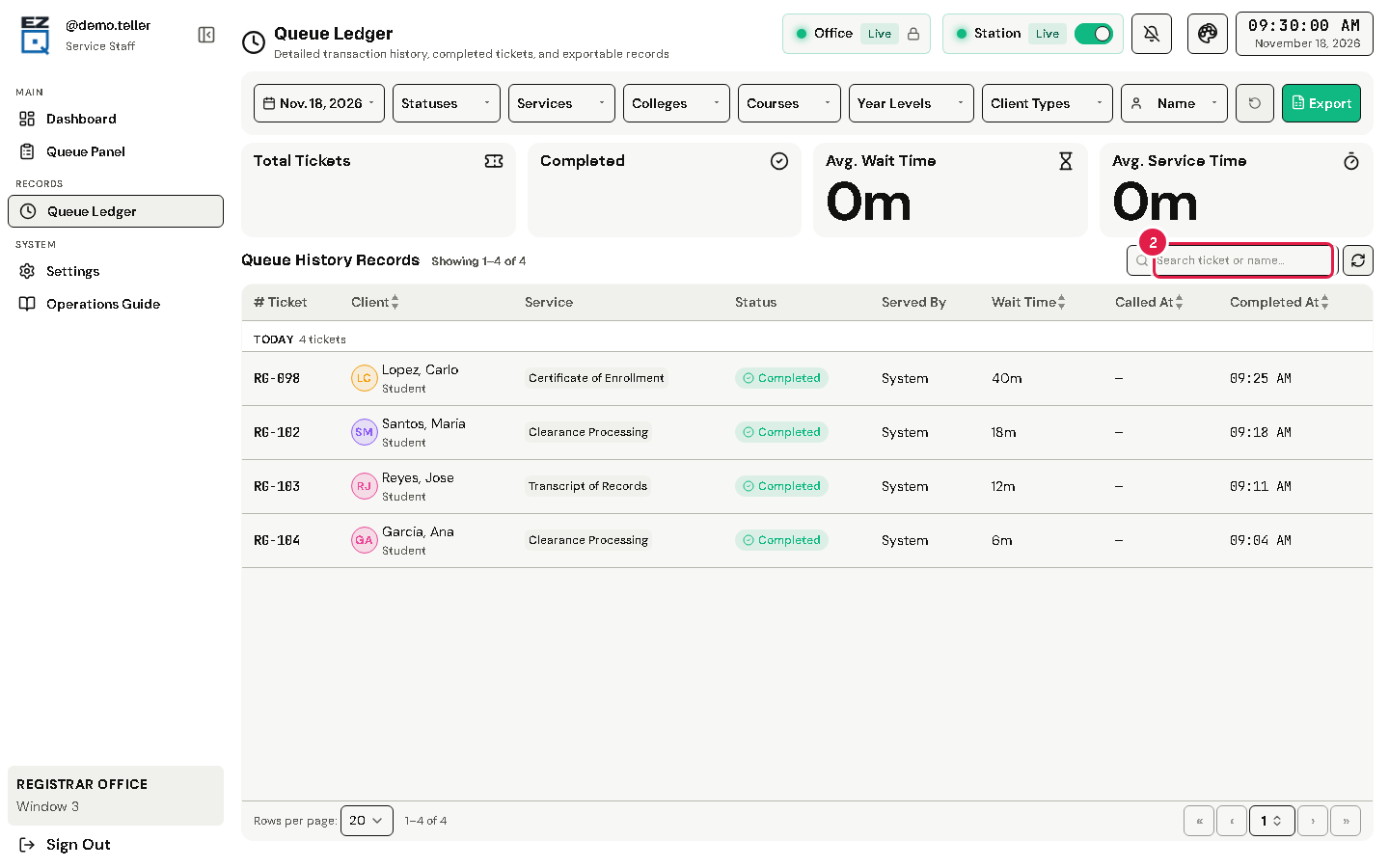
To see one day or a few days, choose the dates at the top.
Tap a ticket in the list to see its details.
To save or print the list, tap Export. A preview opens, where you can download it as a PDF or print it.
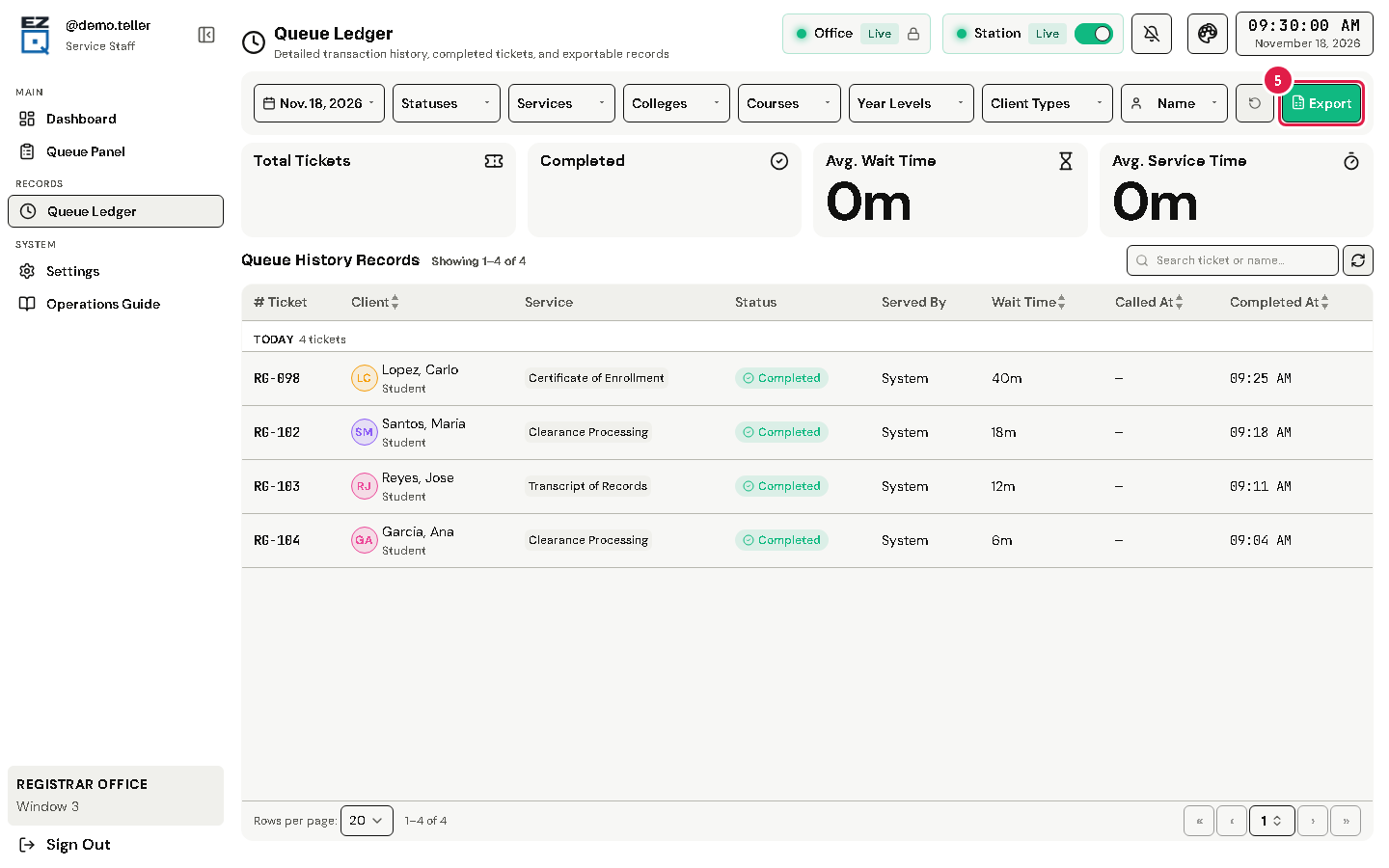
Tip Tap the round arrow button to clear all filters and start again.
If something goes wrong
- The list is empty: check the dates. Clear the search box.