What this is for
Your station is your counter or window, for example "Window 3". The TV screen tells clients which station to go to. You cannot call clients without one.
Before you start
- You are signed in.
Steps
Look at the bottom of the left menu. It shows your office and your station.
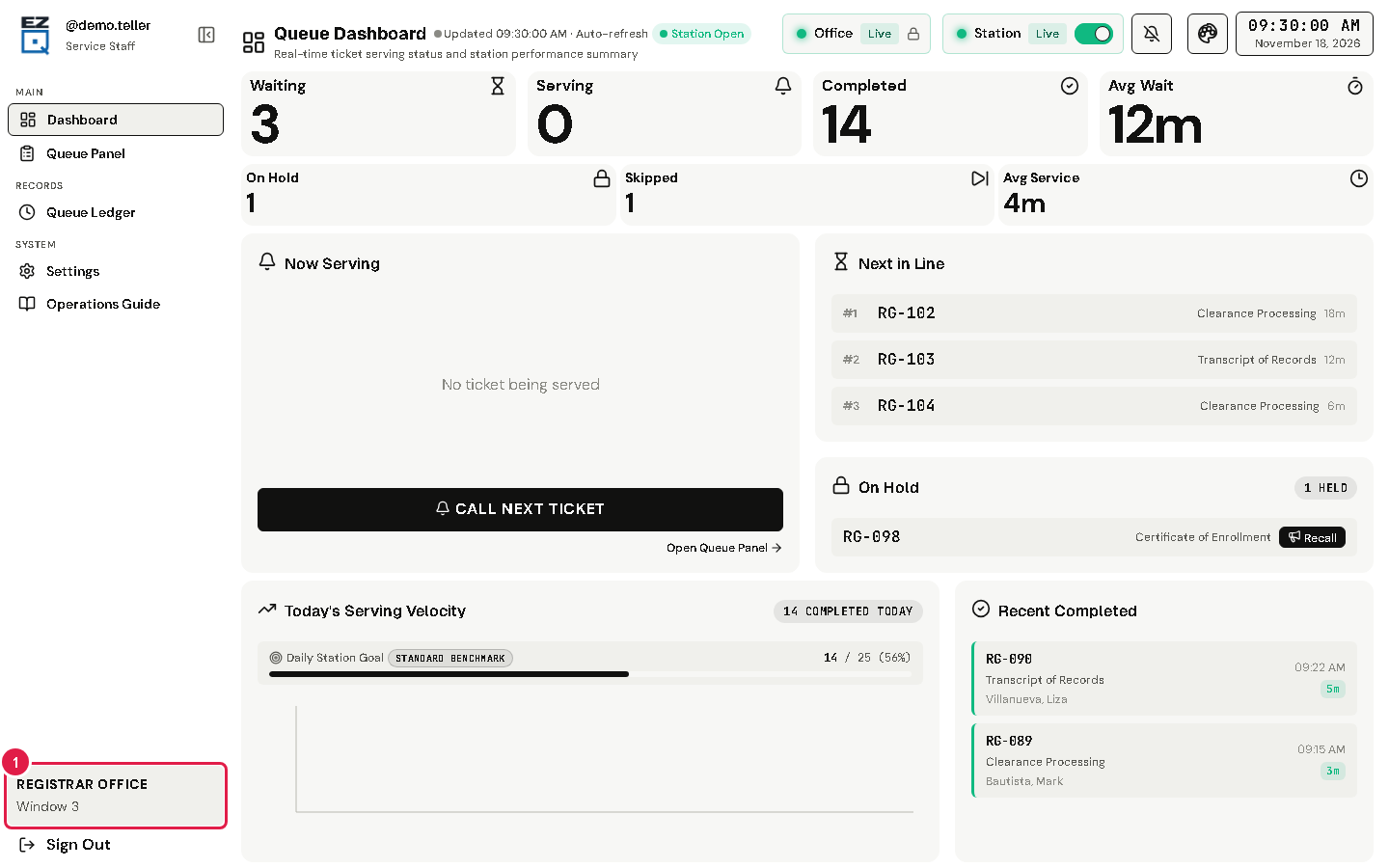
To see more, tap Settings in the left menu.
Tap the Stations tab. Your station has the label Your Station.
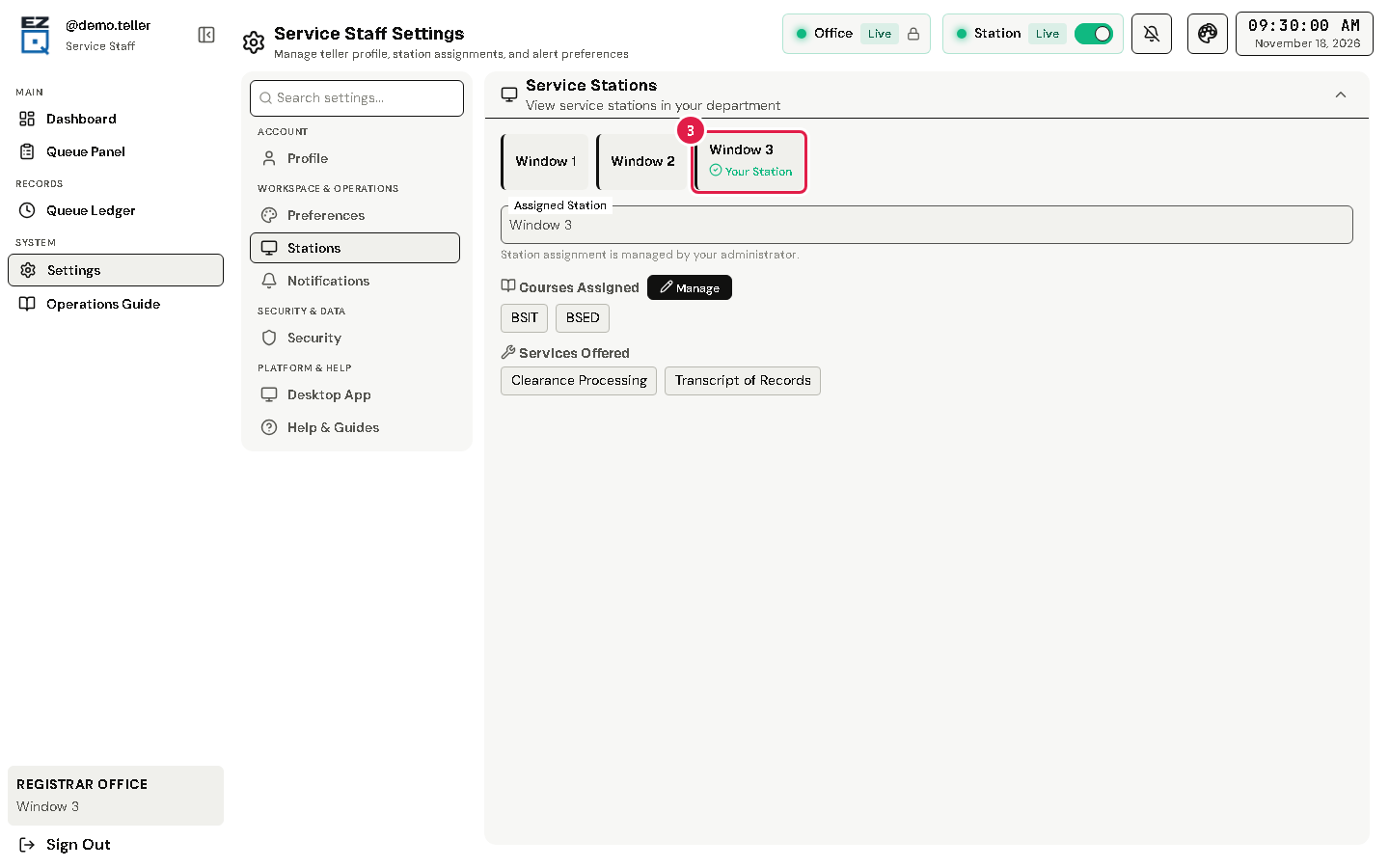
Under your station you can see which services and courses it handles.
Warning Only an admin can change your station. If it is wrong, ask your office admin before you call anyone.
If something goes wrong
- "No active station assigned" on the Queue Panel: ask your office admin to give you a station.
- The wrong station is shown: do not call clients yet. Ask your office admin to fix it.