What this is for
When you are free, you call the next client. Their number shows on the TV screen and is read out loud.
Before you start
- You have a station (see Check your station).
- You are not serving anyone. Finish the client in front of you first.
Steps
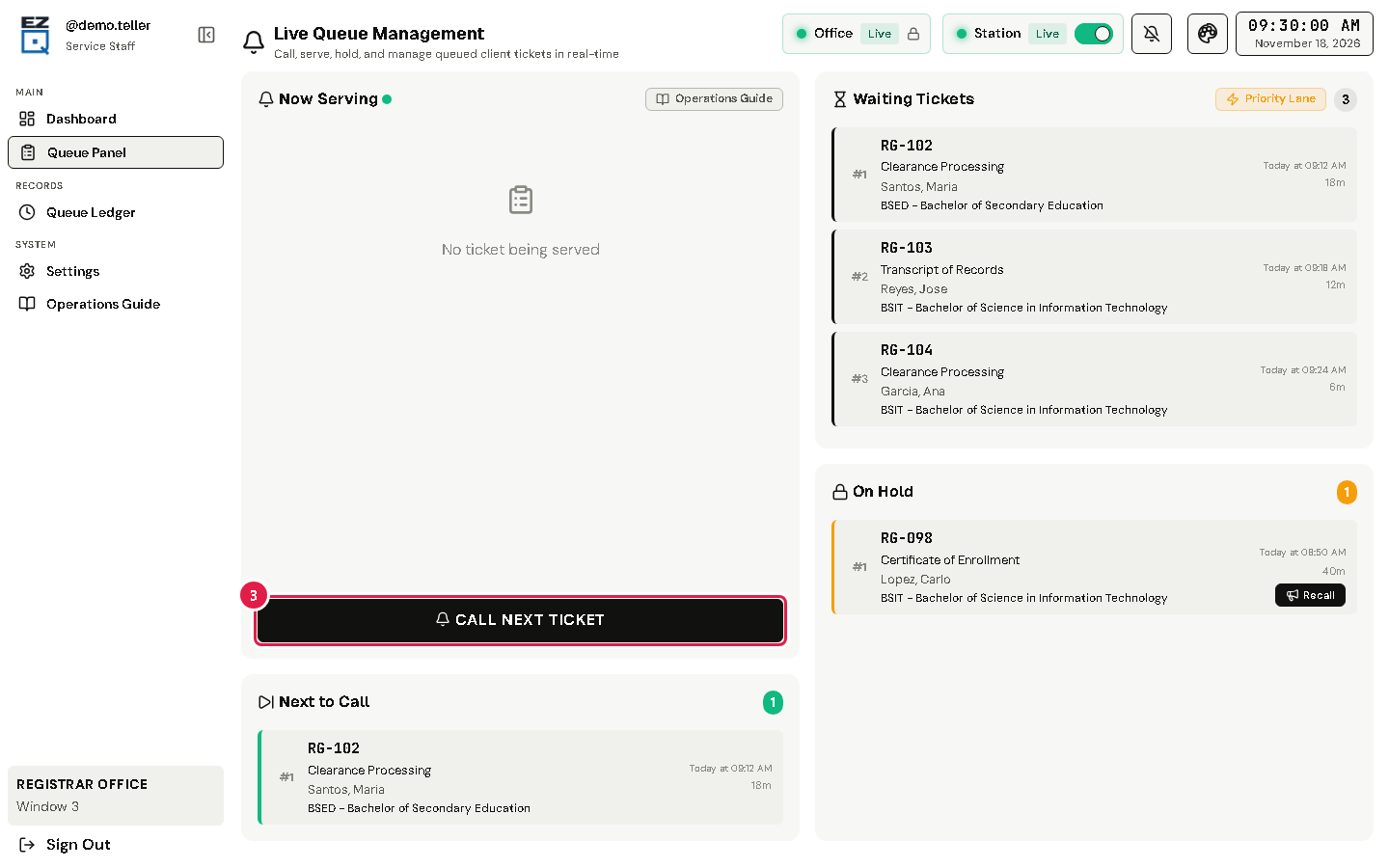
Tap Queue Panel in the left menu.
Look at Next to Call. It shows who comes next.
Tap CALL NEXT TICKET.
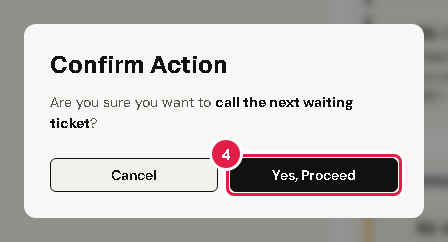
A window asks Confirm Action. Tap Yes, Proceed.
The ticket now shows under Now Serving, with the client's name and service.
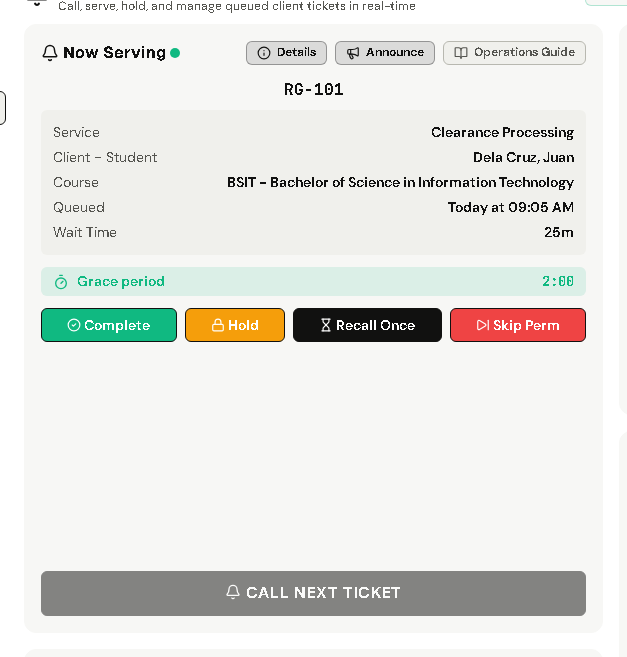
Wait for the client to come to your counter. A Grace period timer counts down while you wait.
Tip Tap Details to see everything about the ticket, like the client's contact and course.
If something goes wrong
- CALL NEXT TICKET is grey: you are still serving someone, nobody is waiting, or you have no station.
- The client does not come: see When the client does not come.