What this is for
Each teller needs an account to sign in, and a station to call clients.
Before you start
- You are signed in as office admin.
- The station exists (see Add or change a station).
Steps
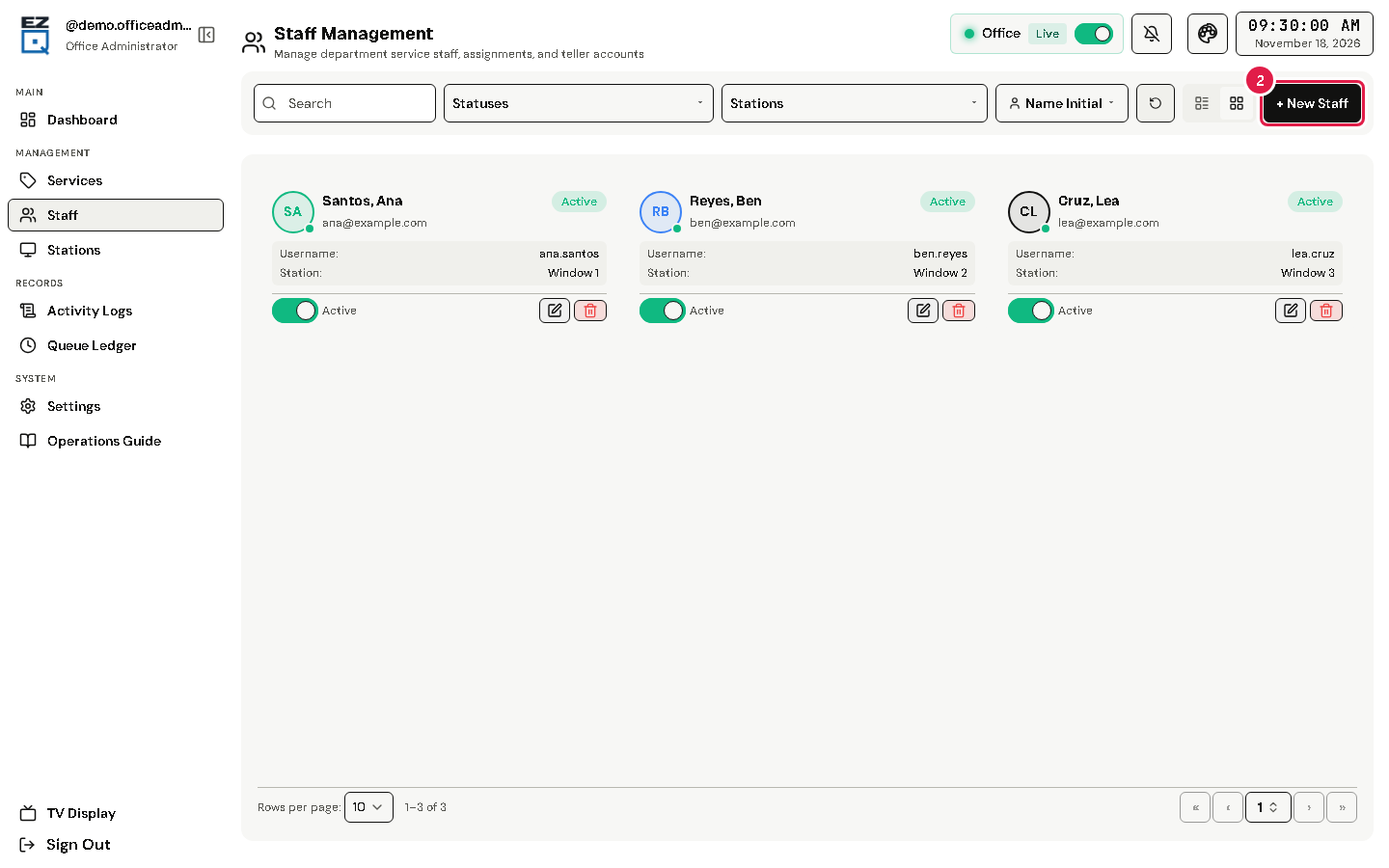
Tap Staff in the left menu.
Tap New Staff.
Fill in Full Name, Username, Email, Password and Confirm Password.
Choose the teller's Station, or leave — Not Assigned —.
Tap Add. The teller signs in with this username and password.
To change an account, open its actions menu (⋮) and choose Edit. Leave Password empty to keep the old one. Tap Save.
To stop an account for now, turn off its status switch.
Warning Delete asks you to type the name. The account is removed for good; its tickets and sessions are kept.
If something goes wrong
- A teller sees "No active station assigned": edit their account and choose a Station.