What this is for
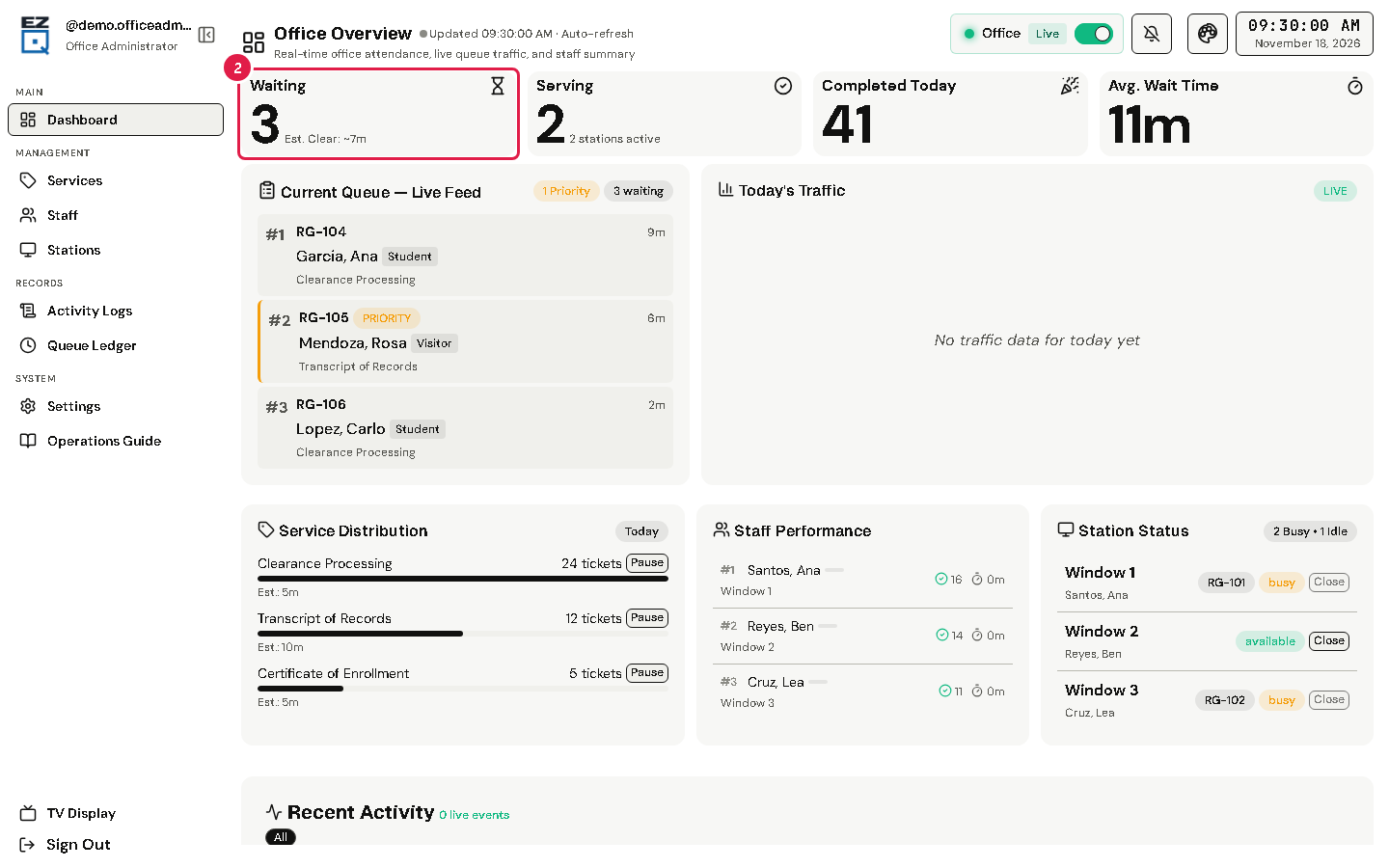
Office Overview is the first page after you sign in. It shows the line, the stations and the day's work for your office.
Before you start
- You are signed in.
Steps
Tap Dashboard in the left menu.
Read the boxes at the top: Waiting, Serving, Completed Today and Avg. Wait Time. Point at a box, or tap it, to see more.
Read Needs Attention. It appears only when something needs you, for example tickets waiting over 30 minutes or an open station without staff. Its button takes you to the page that fixes it.
Current Queue — Live Feed lists waiting tickets. Tap a ticket to see its details.
Tip The Office chip at the top says Live (shown on kiosks) or Hidden (hidden from kiosks). Use its switch to change it. Only the office admin can change this.
If something goes wrong
- The numbers look old: the page updates by itself. Check the update time next to the page title, and your internet connection.