What this is for
A service is something your office does, like a transcript request. Clients choose a service when they get a ticket.
Before you start
- You are signed in as office admin.
Steps
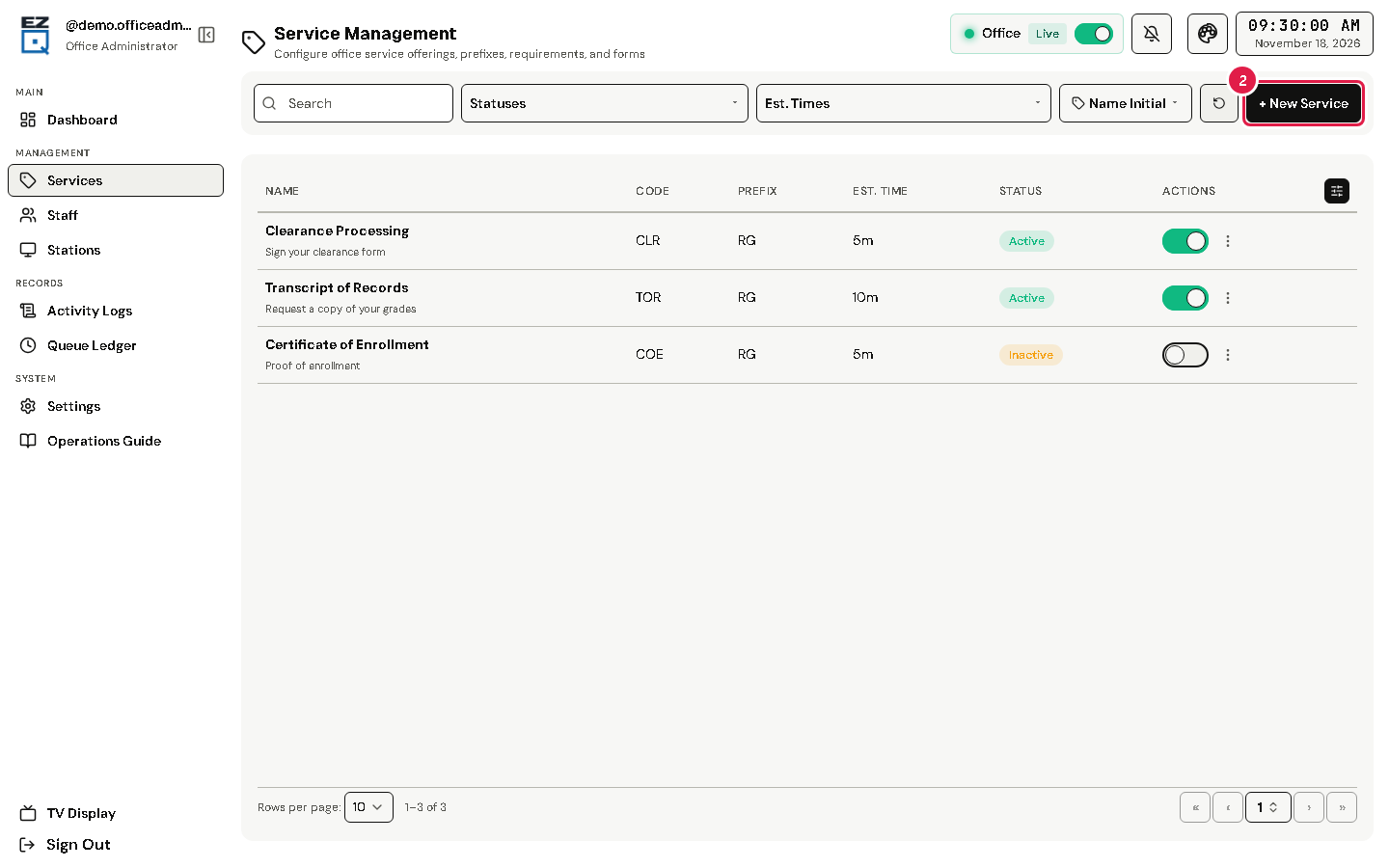
Tap Services in the left menu.
Tap New Service.
Fill in Service Name, Service Code, Prefix and Est. Minutes. These four are required (*).
Add a Description and the Service Reminders, Requirements & FAQs clients will see.
Tap Add.
To change a service later, open its actions menu (⋮), choose Edit, change the details, and tap Save.
To stop a service for now, turn off its status switch.
Warning Delete asks you to type the service name. The service is removed for good, but its old tickets are kept. If it has ticket history, it is turned off instead of deleted. The page suggests turning a service off instead of deleting it.
If something goes wrong
- An error shows when you tap Add: read the message and check the required boxes (*).