What this is for
The kiosk has hidden admin settings for its printer and passcode. Clients cannot see them.
Before you start
- You know the kiosk passcode.
Steps
Tap the EZQueue Kiosk logo at the top left 5 times, quickly (within 3 seconds).
Admin Access opens. Type the passcode with the number keys. CLR clears it.
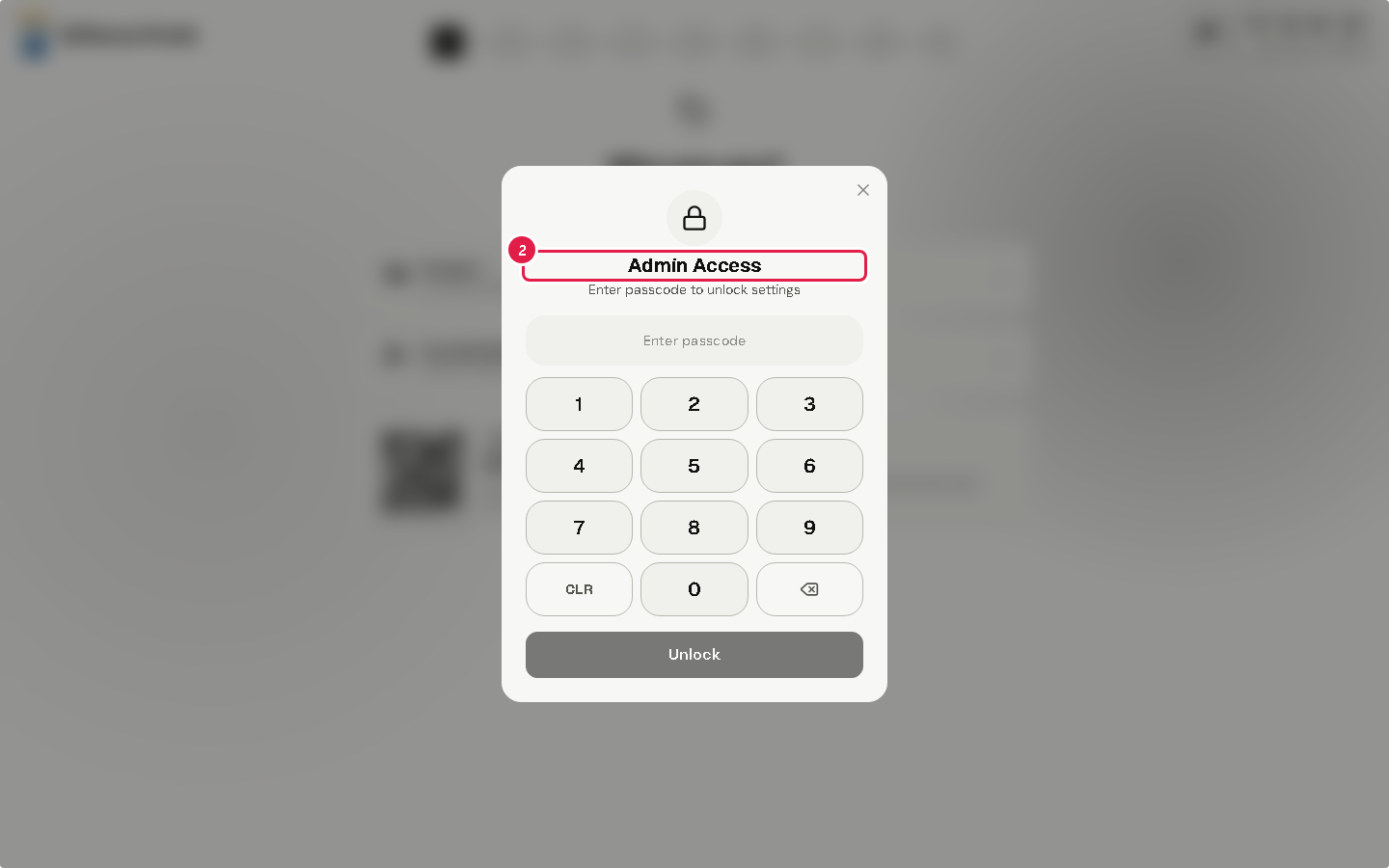
Tap Unlock. Kiosk Admin Settings opens.
When you are done, tap Lock & Return to Kiosk.
Tip The first time, the kiosk asks you to Set Kiosk Passcode. Choose 6 to 12 digits.
Warning After 5 wrong passcodes, the kiosk locks for 1 minute. Each further wrong try doubles the wait, up to 15 minutes.
If something goes wrong
- "Incorrect passcode": type it again. Mind the lock after 5 wrong tries.
- Nothing opens: tap the logo 5 times faster. The count starts over after 3 seconds.